

Rain Sensor
Rain Sensor is a standalone observatory safety monitor with ASCOM Alpaca SafetyMonitor support. An affordable failsafe that closes your roof at the first drop of rain.
Out of stock - will ship when available
First Drop of Rain. Roof Closes. That's It.
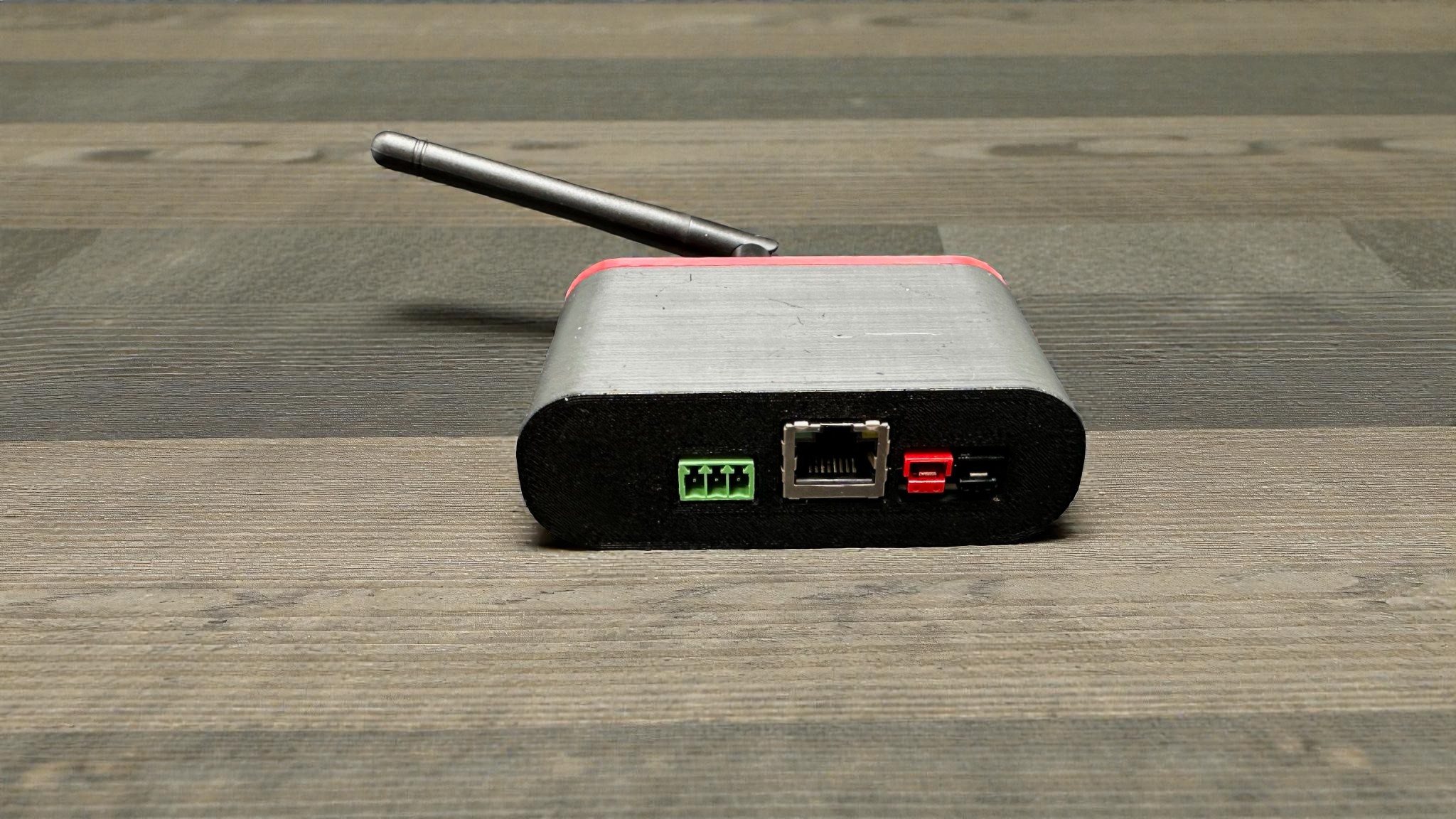
The Rain Sensor is a standalone network device that does one thing: detect rain and tell your imaging software about it. No weather station complexity, no cloud algorithms to tune, no subscription services. Connect an RG-11 rain sensor, plug into your network, and your automation software gets a simple safe/unsafe signal through standard ASCOM Alpaca. When it rains, your roof closes.
Why This Approach?
Full-featured weather stations with cloud detection are genuinely useful tools-knowing when clouds are rolling in lets you close up before rain even starts. But that capability comes at a cost. A Boltwood Cloud Sensor III runs $2,300+; nearly 20 times our base price. The AAG CloudWatcher offers cloud detection at a lower price point than the Boltwood, but it requires a PC connection to function.
For hobbyists who want an affordable, standalone failsafe, the Rain Sensor provides essential protection at a fraction of the cost. It won't warn you about incoming clouds, but it will absolutely close your roof the moment rain starts falling. Think of it as the last line of defense-simple, reliable, and inexpensive enough that every observatory can have one.
The Rain Sensor focuses on that core safety function. It's a network bridge that takes a simple relay closure from an RG-11 (or any compatible sensor) and presents it as an ASCOM Alpaca SafetyMonitor that your imaging software can query. N.I.N.A., SGP, Voyager-they all see a standard safety device and respond accordingly.
Here's what makes this different from DIY solutions: you could wire an RG-11 directly into a DragonLAIR's weather safety port, and that works great. But what if you're not using a DragonLAIR? What if you want your imaging software to have direct access to rain status? What if you want to check conditions from your phone before driving out to your remote site?
The Rain Sensor gives you network connectivity and ASCOM integration without building it yourself. We handle the ESP32 firmware, the web interface, the Alpaca implementation-you just wire up the sensor and configure your WiFi.
And unlike most weather devices, the Rain Sensor is completely standalone. No PC required to run it. No hub. No cloud service. The only other standalone, network-native observatory safety monitor is the Boltwood-at nearly 20 times our price.
Key Benefits
Standalone Operation-No PC Required
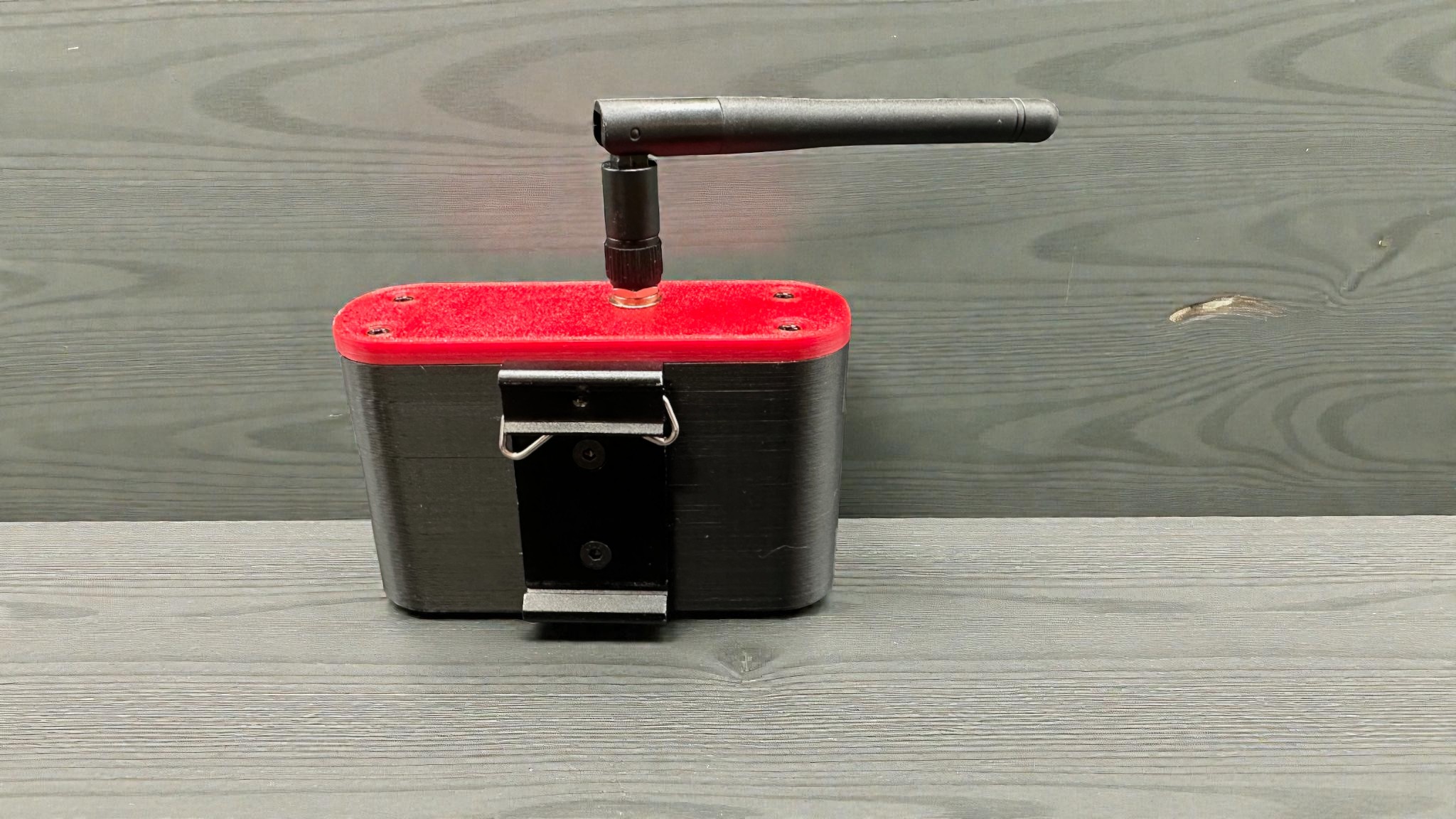
The Rain Sensor is a self-contained network device. Power it up, connect it to your WiFi or Ethernet, and it runs independently. Your imaging software queries it over the network when needed. No USB cables to deal with and no disconnect/reconnect issues with USB. This is the same architecture we use in the DragonLAIR and Mount Park Sensor-proven, reliable, and simple.
Standard ASCOM Alpaca Interface
No proprietary protocols, no special drivers to install. The Rain Sensor implements the ASCOM Alpaca SafetyMonitor specification, which means it works with any ASCOM-compatible imaging platform out of the box. N.I.N.A. discovers it automatically. SGP sees it as a standard safety device. Your automation sequences just work.
WiFi and Ethernet Connectivity
Connect however works best for your observatory. WiFi keeps things simple for most installations. Ethernet provides reliability for permanent setups or locations with spotty wireless. Both options are built in-no adapters or additional hardware needed.
Works With Any Relay-Closure Sensor
We recommend and document the Hydreon RG-11 because it's proven, affordable, and widely available. But the Rain Sensor accepts any normally-open relay contact that closes when conditions are unsafe. If you have a different rain sensor, wind sensor, or any other safety device with a relay output, it works.
Mobile-Friendly Web Interface
Check rain status from your phone before heading to the observatory. Verify the sensor is connected and responding. Configure WiFi settings. The web interface works on any device with a browser-no app required, no special software to install.
Simple, Focused Design
There's not much to go wrong here. One input, one output, one job. The ESP32 platform is the same proven foundation we use across our product line. No moving parts, no complex calibration, no algorithms to tune. Rain hits the sensor, relay closes, status changes to unsafe. That's it.
What's Included
Rain Sensor (Controller Only):
- Rain Sensor controller (ESP32-based)
- 10ft cable with pluggable terminal block (RG-11 ready)
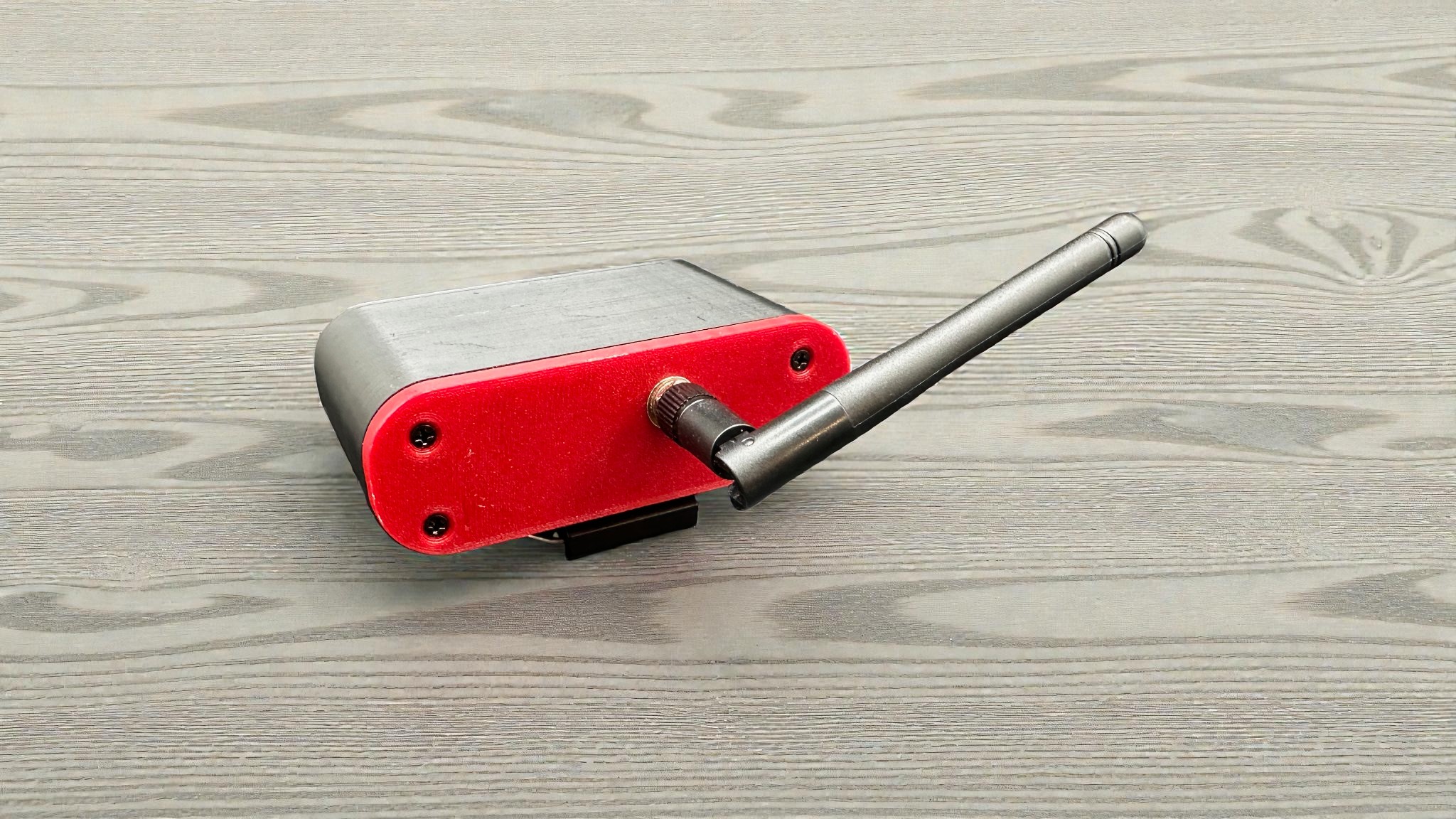
- WiFi antenna
Rain Sensor with RG-11 (Prewired):
- Rain Sensor controller (ESP32-based)
- Hydreon RG-11 rain sensor (prewired and configured)
- 10ft cable connecting RG-11 to controller (ready to plug in)
- WiFi antenna
The prewired kit eliminates the trickiest part of installation-wiring inside the RG-11's tight enclosure and configuring the DIP switches. Just mount the RG-11, plug in the cable, and connect to your network.
Not Included (Both Versions):
- 12V power supply (most observatory owners have existing 12V distribution-contact us if you need one)
Technical Specifications
| Specification | Value |
|---|---|
| Input | Single relay closure (normally open, closes when unsafe) |
| Input Voltage | 12V nominal (10–15V range) |
| Connectivity | WiFi (2.4GHz) and Ethernet |
| Protocol | HTTP with ASCOM Alpaca |
| ASCOM Interface | SafetyMonitor |
| Operating Temperature | -10°F to 120°F (-23°C to 49°C) |
| Installation | Indoor (controller); outdoor (RG-11 sensor) |
| Cable Length | 10ft included (to RG-11) |
Integration/Compatibility
Imaging Software:
The Rain Sensor works with any ASCOM Alpaca-compatible imaging platform:
- N.I.N.A. (auto-discovers via Alpaca)
- Sequence Generator Pro
- Voyager
- TheSkyX
- Any ASCOM-compatible application
Note: Native INDI support is not currently available, but may work with the INDI Alpaca driver.
Recommended Rain Sensor:
We recommend the Hydreon RG-11 optical rain sensor. It's reliable, affordable (around $60), and uses solid-state detection-no moving parts or tipping buckets to maintain. Configure it in "Mode 1: It's Raining" with the highest sensitivity setting to trigger on the first detected raindrop.
Other Compatible Sensors:
Any device with a normally-open relay contact that closes when conditions are unsafe will work. This includes other rain sensors, wind switches, or custom safety circuits.
DragonLAIR Integration:
If you're running a DragonLAIR controller, you have options. The DragonLAIR can accept an RG-11 directly through its weather safety port-no Rain Sensor needed. But if you want your imaging software to have independent access to rain status, or if you're building a more complex safety system, the Rain Sensor provides a network-accessible endpoint that the DragonLAIR (and everything else) can query.
Installation/Setup Reality Check
Rain Sensor Controller Setup: ~15 minutes
The setup process mirrors our other products. Power on the controller, connect to its WiFi access point, configure your observatory network through the web interface, and you're done. The web interface is mobile-friendly-do the whole setup from your phone if you prefer.
RG-11 Installation (Prewired Kit): ~10 minutes
If you purchased the prewired kit, installation is straightforward. Mount the RG-11 outdoors following Hydreon's guidelines, plug the cable into the Rain Sensor controller, and you're done. The DIP switches are already configured and the wiring is complete.
RG-11 Installation (Controller Only): Take Your Time
If you're wiring your own RG-11, the wiring inside the enclosure is tight. Don't rush this part. Strip your wires cleanly, double-check the terminal connections, and verify your DIP switch settings before closing it up.
RG-11 DIP Switch Configuration (Controller Only):
| Switch | Setting | Function |
|---|---|---|
| 7 | OFF | Mode 1: "It's Raining" |
| 6 | OFF | Mode 1: "It's Raining" |
| 5 | ON | Mode 1: "It's Raining" |
| 4 | OFF | No Dark Detect |
| 3 | OFF | Output off when rain stops (or ON for 15-minute extension) |
| 2 | OFF | Very sensitive-first detected raindrop |
| 1 | OFF | Very sensitive-first detected raindrop |
| 8 | OFF | Micro-power sleep disabled (keeps heater active) |
RG-11 Mounting (Both Versions):
Follow Hydreon's mounting guidelines for outdoor installation. The sensor needs a clear view of the sky and should be mounted at the angle specified in their documentation. Keep the Rain Sensor controller indoors-only the RG-11 goes outside.
Tools needed: Wire strippers, small screwdriver for terminals (controller only version); mounting hardware only (prewired kit)
Skill level: Basic-the prewired kit is virtually plug-and-play. The controller-only version requires wiring and DIP switch configuration, but nothing complicated if you take your time.
What You Need to Provide
Both Versions:
- 12V power source-any clean 12V supply in the 10–15V range; most observatory owners already have 12V distribution
- WiFi network or Ethernet connection-same network as your imaging computer
- Mounting hardware for the RG-11-outdoor-rated mounting appropriate for your installation
Controller Only Version:
- RG-11 rain sensor (or compatible relay-closure sensor)-available from Hydreon or various distributors
Real-World Performance
The Rain Sensor is built on the same ESP32 platform we use across our product line-the same foundation running DragonLAIR controllers, Mount Park Sensors, and DragonLIGHT controllers in observatories across North America. The hardware is proven; we've just focused it on a single task.
The RG-11 sensor itself has an excellent reputation in the astronomy community. Hydreon has been making these sensors for years, and they're widely used in both amateur and commercial weather monitoring applications. The optical detection method is reliable and maintenance-free-no tipping buckets to clean or calibrate.
Combined, you get a simple, focused system: a proven sensor connected to a proven network platform, doing exactly one job without unnecessary complexity.
An Affordable Failsafe for Your Observatory
Cloud detection is a great tool for proactive protection-closing your roof before rain arrives. But when you need an affordable last line of defense, the Rain Sensor delivers. It's simple, standalone, and a fraction of the cost of comprehensive weather systems.
Connect an RG-11, plug into your network, and your imaging software gets a simple answer: safe or unsafe. When rain starts, your automation closes the roof. When it stops, you're back to imaging.
No cloud algorithms to tune. No subscription fees. No PC required to keep it running.
Your telescope, camera, and mount are worth protecting. The Rain Sensor makes that protection affordable.
Note: Depending on which roof control system you use, you may need a computer running to automatically close your roof. Contact the manufacturer of your roof system for guidance on how to configure automatic closing.
Resources
Need help? Join our Discord community for installation guides, troubleshooting, and direct support.