
DragonLIGHT Mobile - iPad Flat Panel
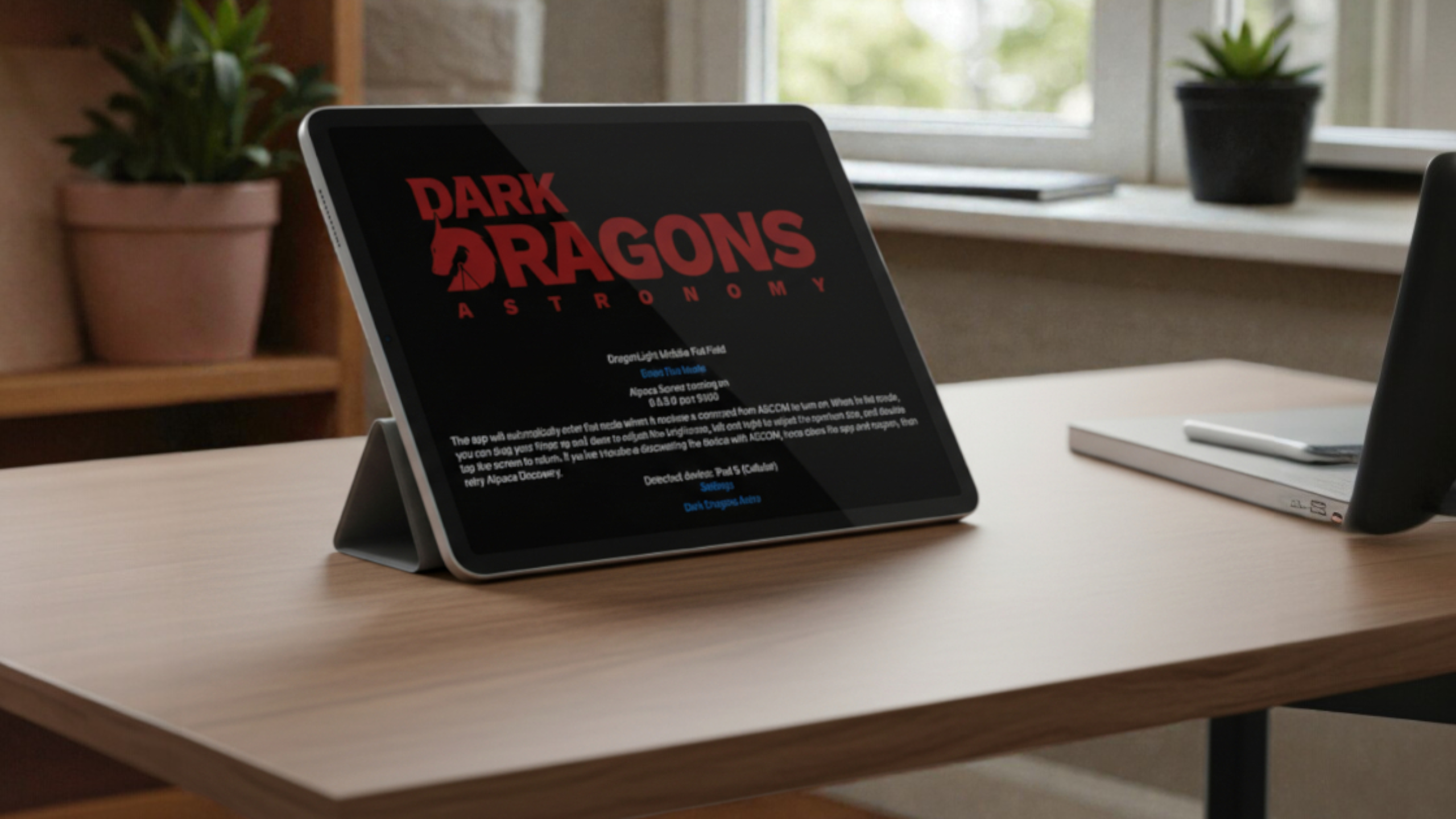
DragonLIGHT Mobile turns your iPad into an astrophotography flat panel with ASCOM Alpaca control. Works with N.I.N.A. and SGP flat wizards. No extra gear to pack.


You'll be redirected to the app store to complete your purchase
Your iPad Is Now a Flat Panel
DragonLIGHT Mobile turns any iPad into a precision flat panel for astrophotography calibration. With ASCOM Alpaca integration, 256-level brightness control, and a built-in web interface, you get software-controlled flats that work directly with N.I.N.A., SGP, and any ASCOM-compatible imaging platform-all for $9.99 and zero extra gear to pack.
Why This App?
Traveling to a dark site means packing light. Every item in your kit needs to earn its place. A dedicated flat panel? That's bulk, fragile glass or EL material, and one more thing to forget in the hotel room. But you're already bringing your iPad for planning, weather checks, or just killing time during long exposures.
DragonLIGHT Mobile turns that iPad into a proper flat panel-not a DIY workaround where you tape diffusion material to the screen and manually adjust brightness, but a real imaging tool with software integration. Your imaging software talks directly to the app through ASCOM Alpaca, adjusting brightness automatically just like it would with our hardware DragonLIGHT controller. N.I.N.A.'s flat wizard works. SGP's auto-flat works. You set your target ADU and let the software handle the rest.
This isn't a new experiment. DragonLIGHT Mobile has been in use for years with hundreds of downloads worldwide. Traveling imagers at star parties, hobbyists in their backyards, astrophotographers who don't want to spend hundreds on panel hardware-they're all using it to capture consistent calibration frames without the bulk.
Key Benefits
Real Software Integration-Not a Gimmick
This is the only iPad flat panel app with ASCOM Alpaca support. That means your imaging software controls the brightness directly-no manual slider adjustments, no hoping you remembered the right setting from last time. N.I.N.A.'s flat wizard and SGP's auto-flat features work exactly as they would with dedicated hardware. Set your target ADU and capture.
256-Level Precision Dimming
Fine-grained brightness control lets you dial in exactly the exposure values your calibration frames need. The iPad's excellent screen dynamic range combined with precise PWM control gives you consistent, repeatable flats across your entire filter set.
Adjustable Aperture for Light Control
The app displays a white circle that you can resize to match your telescope's aperture. This isn't just cosmetic-it reduces light bleed around the edges that can contaminate your calibration frames. Size the circle to your scope and get cleaner flats.
Web Interface for Remote Control
Once the iPad is positioned on your telescope, you don't want to touch it. The built-in web interface lets you monitor and adjust settings from your imaging computer or phone. Check brightness, verify the app is responding, or make adjustments-all without disturbing your setup.
Zero Extra Gear
No diffusion material to buy. No mounting brackets to fabricate. No batteries to charge. Point your telescope straight up, place the iPad on the aperture, and you're ready. The app even prevents screen auto-lock and manages brightness automatically while in imaging mode.
Works With Any ASCOM Software
If your imaging platform speaks ASCOM Alpaca, it works with DragonLIGHT Mobile:
- N.I.N.A. (auto-discovers via Alpaca)
- Sequence Generator Pro
- Voyager
- TheSkyX
- APT
- Any ASCOM-compatible application
What You Get
- DragonLIGHT Mobile iOS app (one-time purchase)
- Built-in ASCOM Alpaca CoverCalibrator server
- Web interface for remote control
- Free updates for life
- Access to the Dark Dragons Astronomy Discord community for support
Technical Specifications
| Specification | Value |
|---|---|
| Brightness Levels | 256 (PWM controlled) |
| ASCOM Interface | Alpaca CoverCalibrator |
| Display | Adjustable white circle aperture |
| Connectivity | WiFi (local network) |
| Remote Control | Built-in web interface |
| Device Discovery | Alpaca discovery protocol (auto-discovery in N.I.N.A.) |
| Response Time | Instant |
| iOS Requirement | iOS 18 or later |
| Compatible Devices | Any iPad supporting iOS 18 |
| Price | $9.99 (one-time purchase) |
Integration/Compatibility
Imaging Software:
DragonLIGHT Mobile implements the standard ASCOM Alpaca CoverCalibrator interface, so it works with any ASCOM-compatible imaging software:
- N.I.N.A. - Full support including flat wizard and auto-discovery
- Sequence Generator Pro - Full support including auto-flat
- Voyager, TheSkyX, APT - Compatible via ASCOM Alpaca
- Any application that supports ASCOM Alpaca flat panels
Note: INDI support is not currently available. This is an ASCOM Alpaca device.
Dynamic Flat Features:
The app works with automated flat frame routines that adjust brightness to hit target ADU values. N.I.N.A.'s flat wizard and SGP's auto-flat features communicate directly with the app-no manual brightness adjustment required.
Setup Reality Check
Setup takes about two minutes.
Step 1: Download DragonLIGHT Mobile from the App Store
Step 2: Open the app-it displays the IP address and port for connection
Step 3: In your imaging software, add an ASCOM Alpaca CoverCalibrator device (N.I.N.A. will auto-discover it)
Step 4: Point your telescope straight up, place the iPad on the aperture, and capture flats
Tools needed: None
Skill level: If you can download an app and connect to a WiFi network, you can set this up
Pro tip: Adjust the aperture circle size in the app to match your telescope before positioning the iPad. This minimizes light bleed and gives you cleaner calibration frames.
What You Need to Provide
- iPad running iOS 18 or later
- WiFi network connecting your iPad and imaging computer (they need to be on the same local network)
- A way to position the iPad over your telescope aperture-most users simply point the scope straight up and lay the iPad on top
No diffusion material required. The iPad screen works directly.
Real-World Performance
DragonLIGHT Mobile has been in active use for years, with hundreds of downloads from astrophotographers around the world. It's the flat panel solution for traveling imagers who want proper calibration without the bulk-star party attendees, dark site travelers, and hobbyists who'd rather not buy dedicated panel hardware.
The only real limitation is physics: your telescope aperture needs to fit within the iPad screen. For most refractors and smaller reflectors, this isn't an issue. If you're imaging with a large aperture instrument, you'll want our hardware DragonLIGHT controller with a properly sized light source instead.
The Flat Panel You Already Own
Your iPad is already in your bag. For $9.99, DragonLIGHT Mobile turns it into a precision flat panel with real software integration-not a DIY hack, but a proper imaging tool that talks to N.I.N.A. and SGP just like dedicated hardware.
Stop chasing sky flats at dawn. Stop packing bulky panel hardware. Stop manually adjusting screen brightness and hoping you got it right.
Download DragonLIGHT Mobile, place your iPad on your telescope, and capture consistent calibration frames anywhere you image.
Need help? Join our Discord community for installation guides, troubleshooting, and direct support.